Tagged: Computed Field

Coveo Computed Field for Retrieving Page Content and Renderings in Sitecore

I needed to index all text from the page content and its associated renderings, including single-line, multi-line, and rich text, into a single Coveo-computed field.

Let’s get started.

Text Extraction:

  • Created a TextExtraction class that inherits BaseComputedField.
  • GetComputedFieldValue: Computes the concatenated text from the item and its renderings.

  • GetRenderingSource: Retrieves the source item for a given rendering reference.

  • GetDatasourceItem: Resolves and retrieves the data source item using the pipeline manager.

  • GetAllReferencedText: Extracts text from fields and adds them to a result list.

  • GetReferenceFieldData: Handles reference fields and extracts text from referenced items.


Configuration:

Let’s add the TextExtraction computed field into the config file.


I published all the files, and it’s time to check.

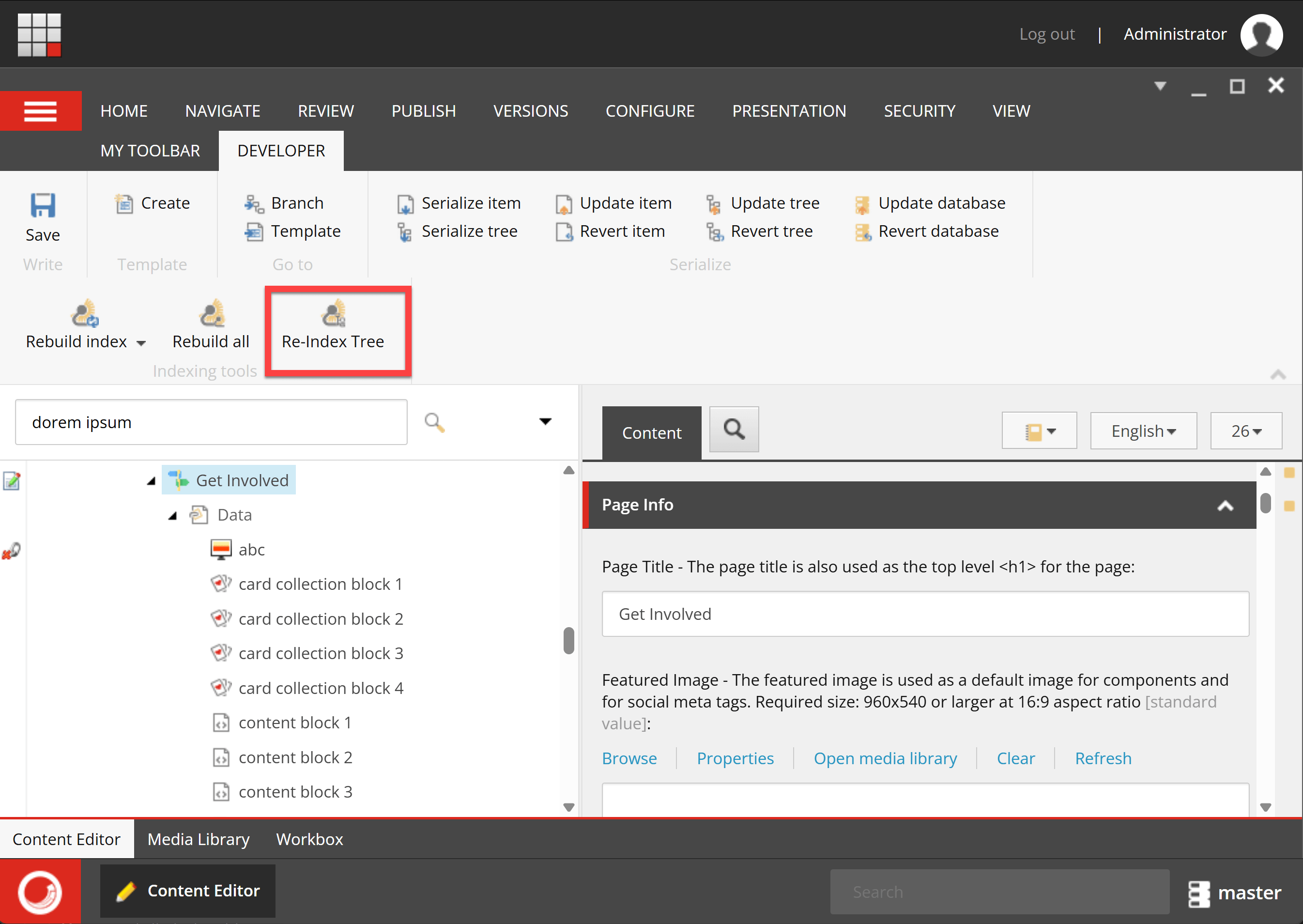
I selected the page that has many renderings and hit Rebuild Tree (I set the indexing strategy as SyncMasterIf you have intervalAsyncMaster or onPublishEndSyncSingleInstance, publish the item to see the record in Index.)

If any issues, you can put a breakpoint in Visual Studio, and Rebuild Tree will hit the breakpoint to debug.
 

Let’s check the Coveo index – Yay! Its page content and its associated rendering content were extracted successfully.

Hope this helps.

Happy Sitecoring!

0

Coveo Computed Field for Extracting PDFs with Apache Tika in Sitecore

I needed to index the PDF file content in the Media Library, but when I tried to index it, the PDFSharp library couldn’t extract it.

Sitecore recommends using the following libraries: IFilter, Apache Tika, or SolrCell for indexing the media content.

I had a detailed blog on installing and integrating Apache Tika into the project.

https://madhuanbalagan.com/sitecore-apache-tika-integration-for-secure-media-file-indexing

Now that Tika is integrated, let’s get started on creating a computed field to extract PDF content using the Apache Tika service.

Media Extraction:

  • I created MediaExtraction class, which inherits BaseComputedField.
  • The GetComputedField method calls the ApacheTika service and extracts the text asynchronously.
  • Returns the text document.


Apache Tika Service:

  • The Tika Service class implements the IContentExtractionService interface
  • The main method ReadJsonObject sends the document to the Tika server and extracts the text content parsed JSON response.


Tika ConnectionString:

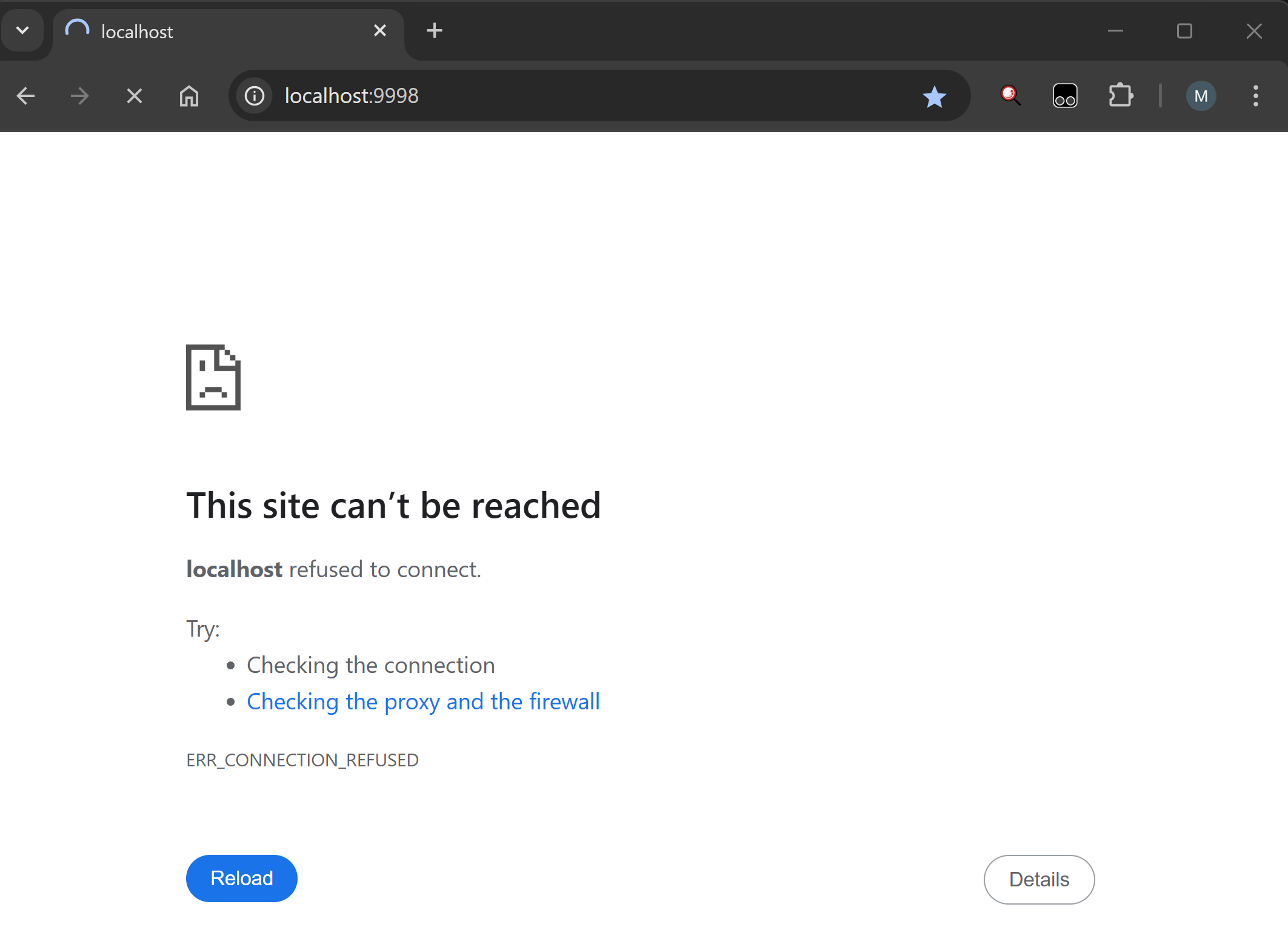
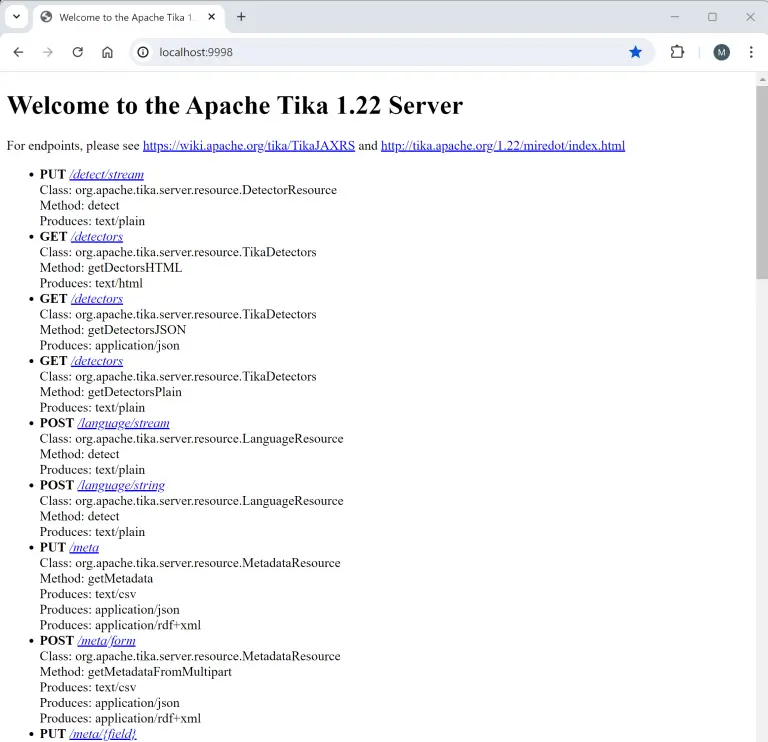
Please make sure that Tika is up and running.

<add name=”tika” connectionString=”http://localhost:9998″ />

When I checked, it wasn’t running for some reason.


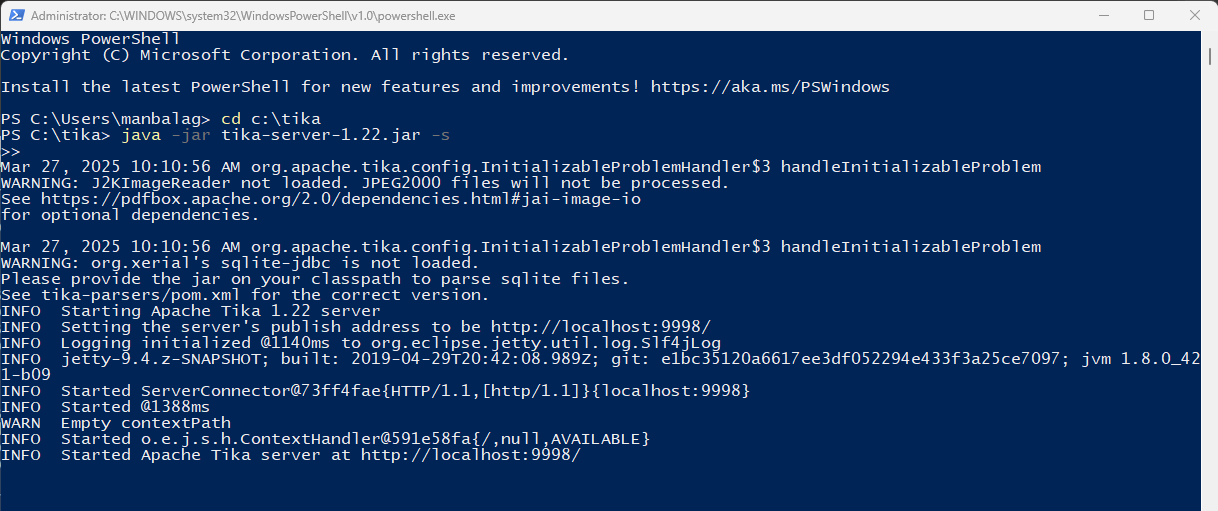
Run the following Powershell script to restart the Tika.

cd c:\tika

java -jar tika-server-1.22.jar -s

Let’s check – Tika is now up and running.


Configuration:

Let’s add the MediaExtraction computed field into the config file.

I published all the files and it’s time to check.

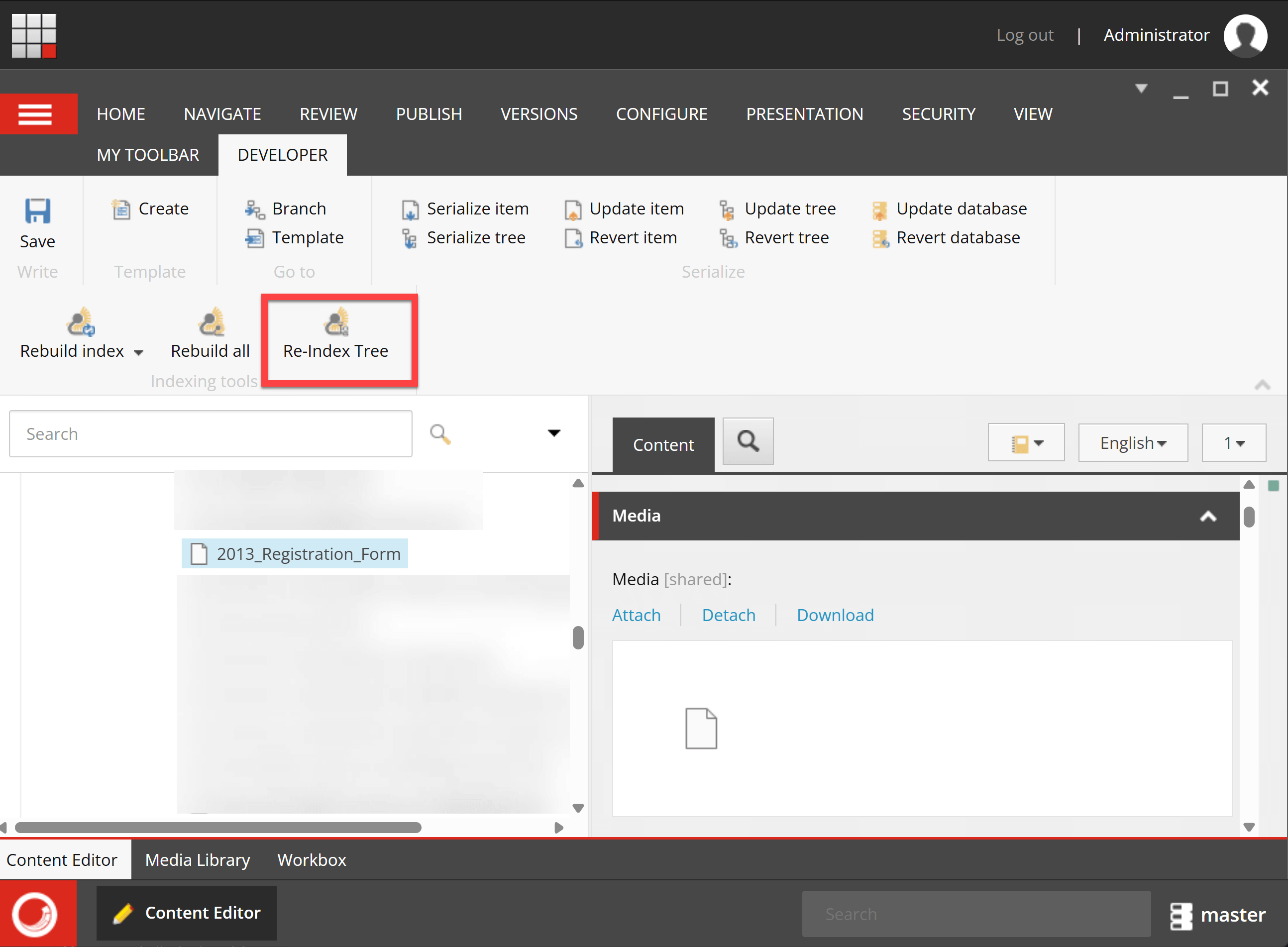
I selected the PDF document in the Media Library and hit Rebuild Tree (I set the indexing strategy as SyncMaster. If you have intervalAsyncMaster or onPublishEndSyncSingleInstance, publish the item to see the record in Index.)


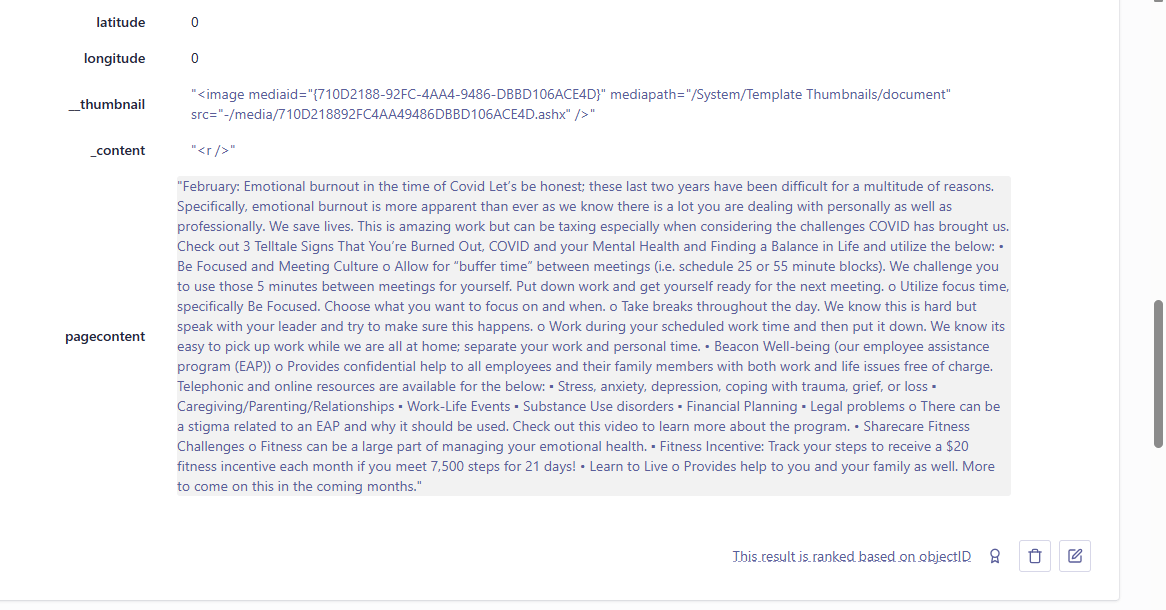
Let’s check the Coveo index – Yay! Its PDF content was extracted successfully.

Sitecore-Media-Computed-Field


The same computed field would work for Word and PowerPoint documents as well.

Hope this helps.

Happy Sitecoring!
0