
I came across a scenario in Sitecore Forms where I needed to build a hidden field. The form is intended for employees, and when they access it, it should automatically recognize them and capture their name and email address upon submission.
Let’s get started.
Create the Hidden Field in Core DB
- Navigate to /sitecore/client/Applications/FormsBuilder/Components/Layouts/PropertyGridForm/PageSettings/Settings
- Create the HiddenField based on /sitecore/client/Business Component Library/version 2/Layouts/Renderings/Forms/Form/Form Parameters
- Fill out the following fields –
- Details
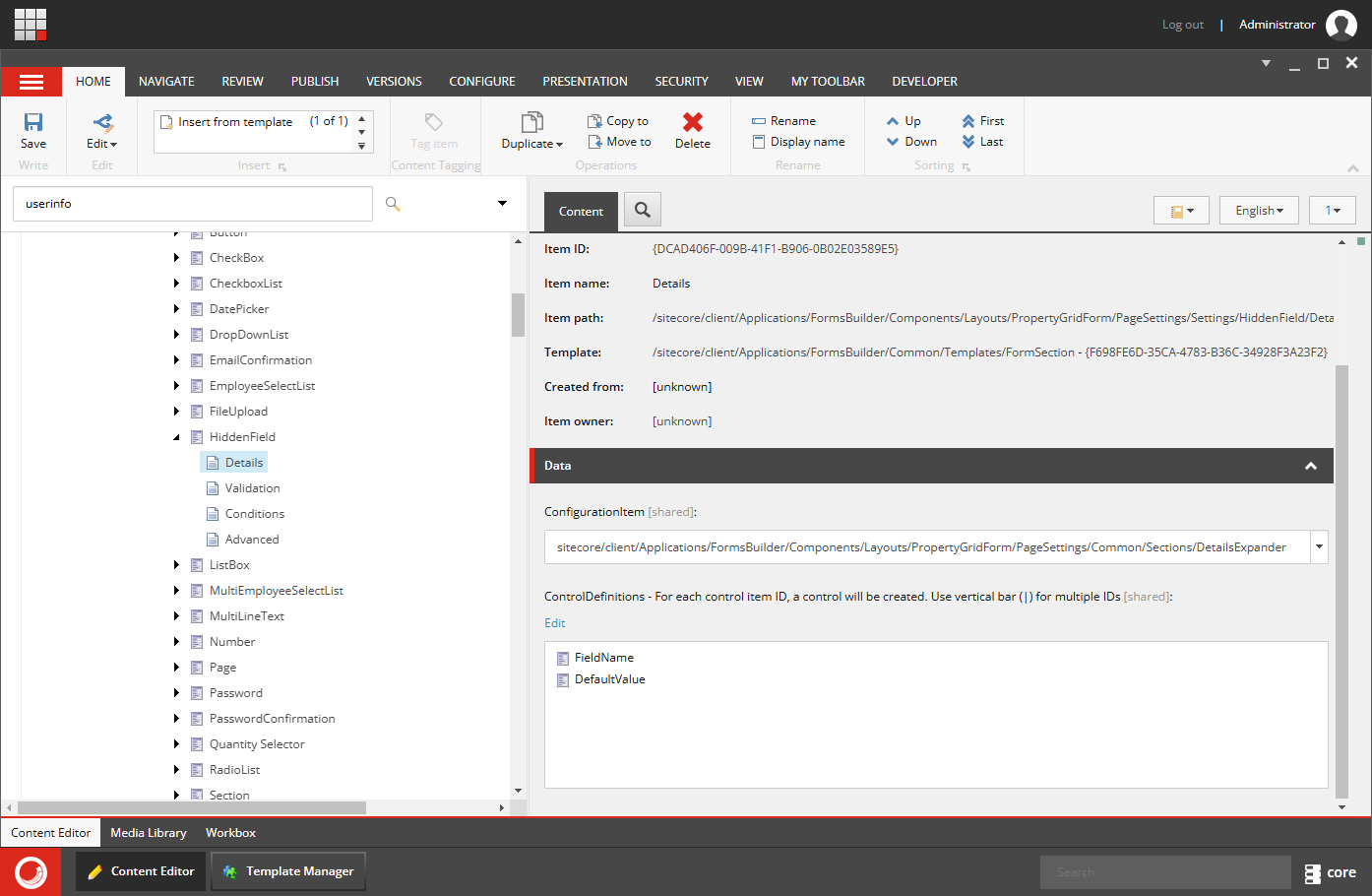
-
- Validation
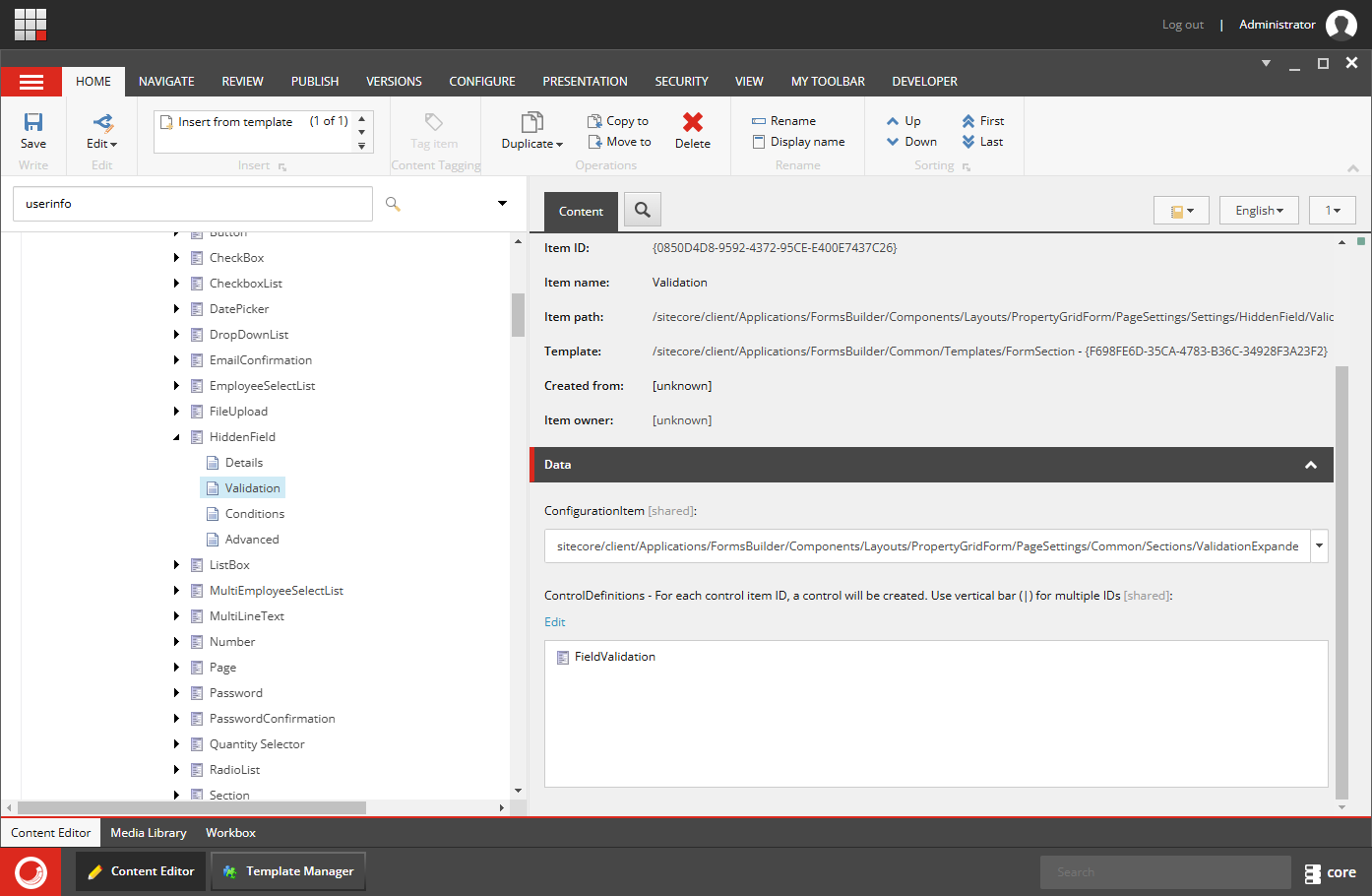
-
- Conditions
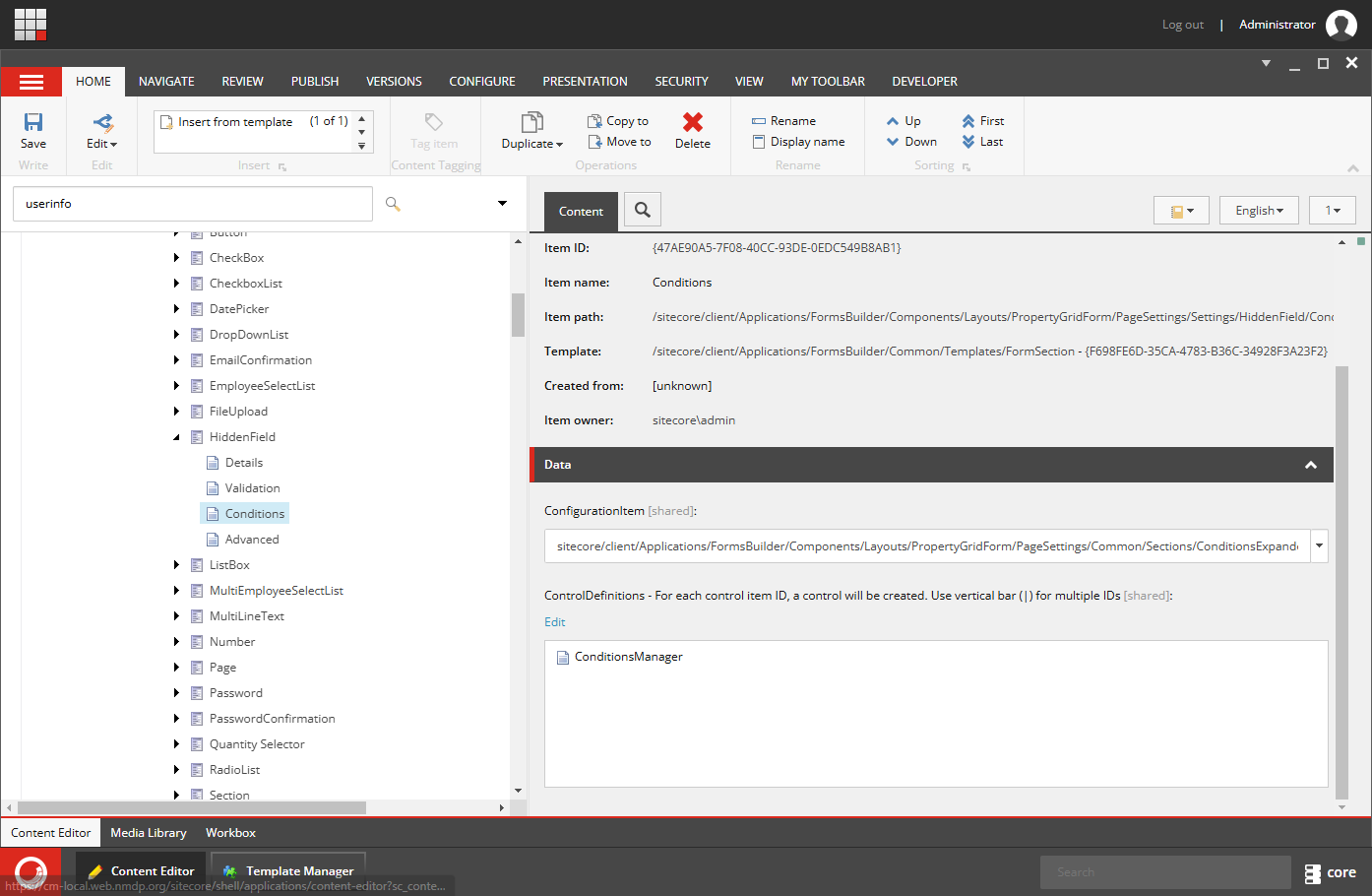
-
- Advanced
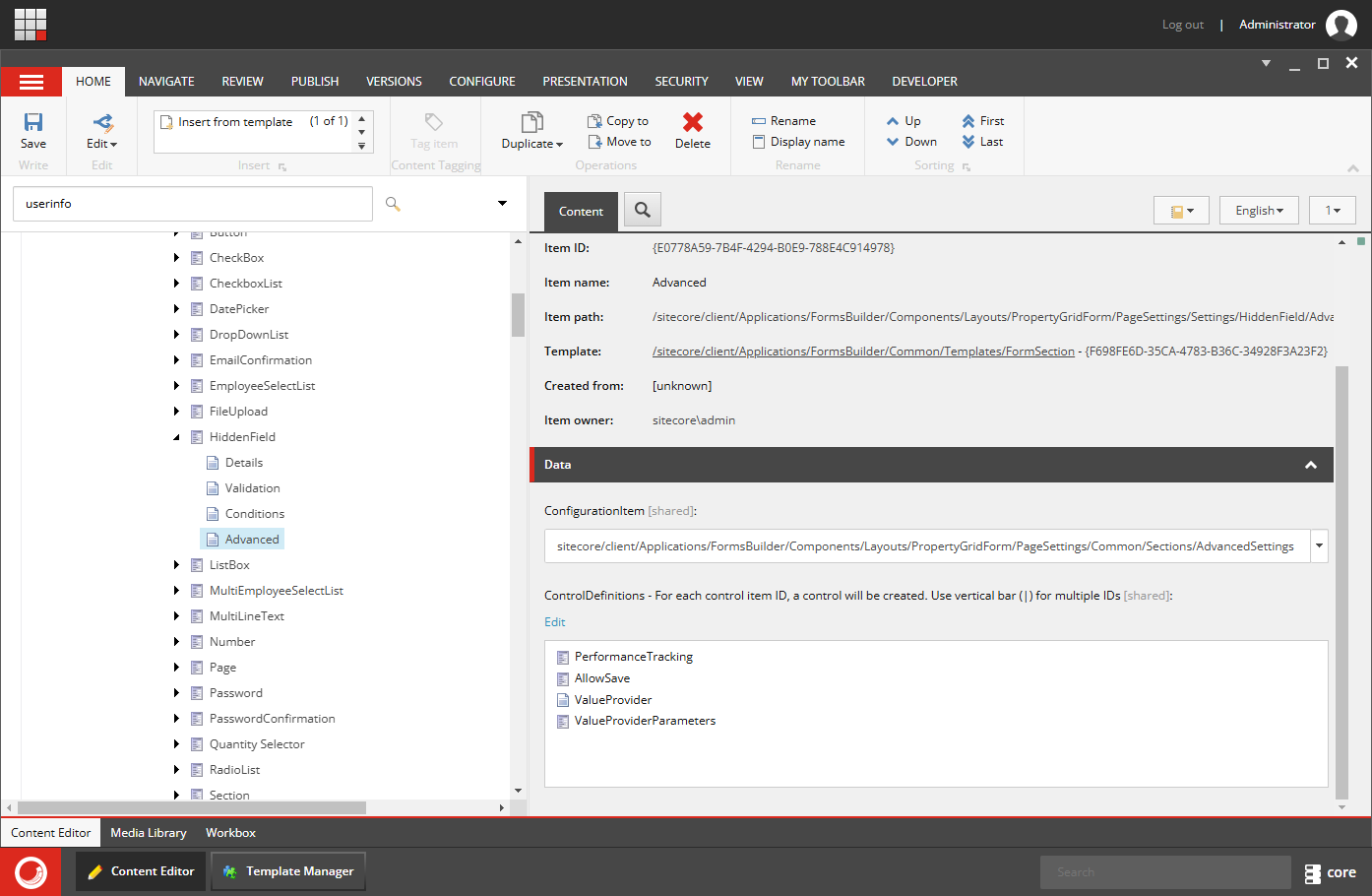
Create a Custom Field Type
- Inherit from the
StringInputViewModelclass to create a new view model for your hidden field.
Create the View for the Field
- Define the HTML and JavaScript needed to render the hidden field and set its value.
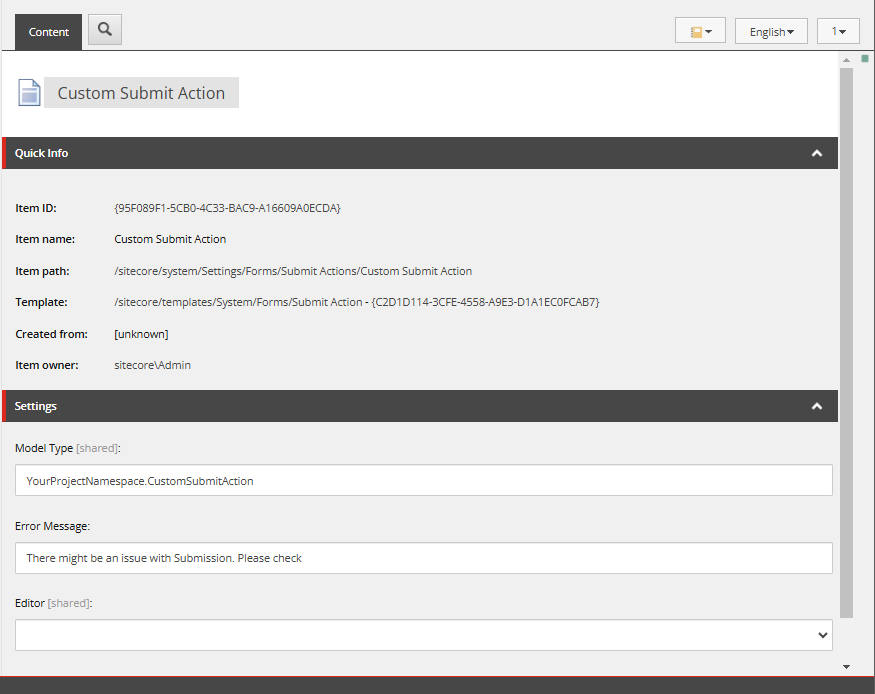
Custom Submit Action
Let’s create a custom submit action and read the properties from formSubmitContext.
Let’s bind it to the Form’s Submit Action.
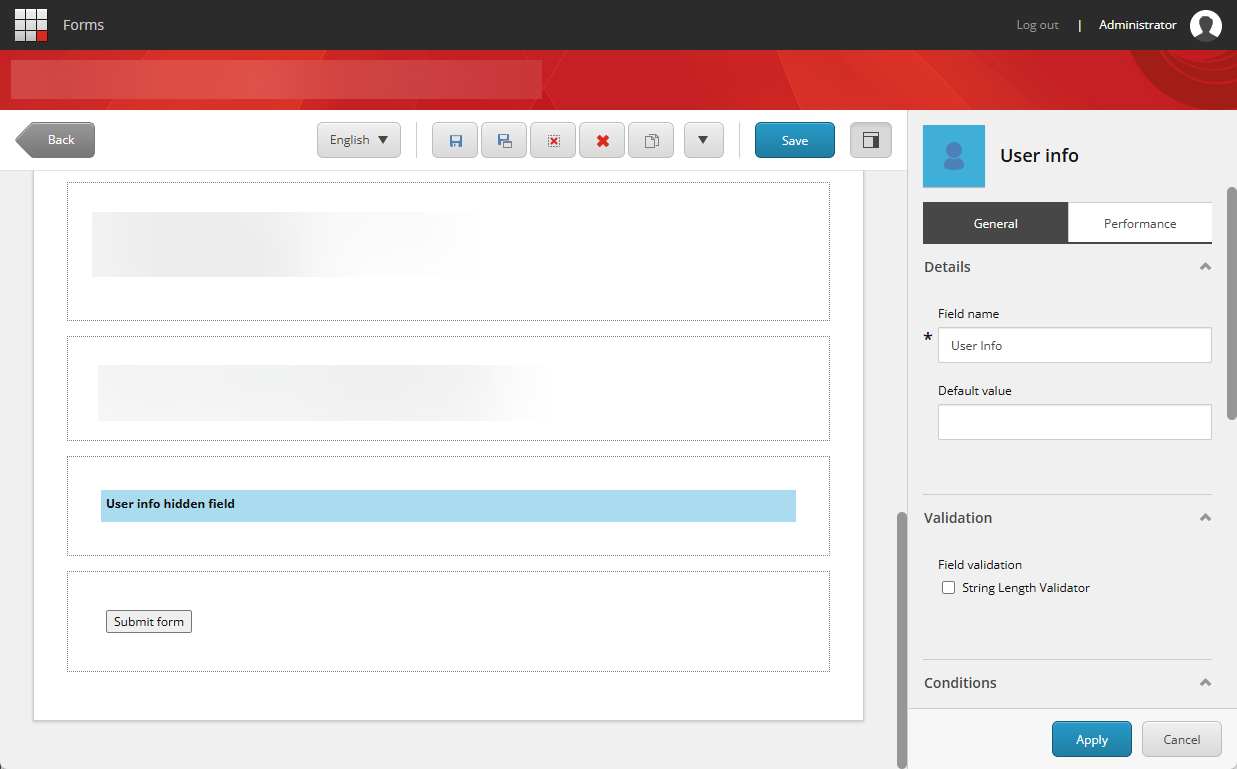
Now I’m able to drag and drop the hidden field into the Form.
Make sure to publish the Form and its related items.
Hope this helps.
Happy Sitecoring!


