
Over the years, I’ve worked with numerous Sitecore modules that simplify our tasks and boost efficiency.
Sharing my favorite free modules –
- Sitecore Powershell Extensions
- SiteCron
- Azure Tools
- Sidekick
- Content Export Tool
- Sitecore Log Analyzer
Sitecore PowerShell Extensions
Sitecore PowerShell Extensions (SPE) (Huge thanks to Michael West, Adam Najmanowicz, and contributors) is a robust module that adds the power of PowerShell scripting to the Sitecore platform.
It empowers Sitecore developers and administrators to automate repetitive tasks and extend Sitecore’s functionality with custom scripts.
https://github.com/SitecorePowerShell/Console
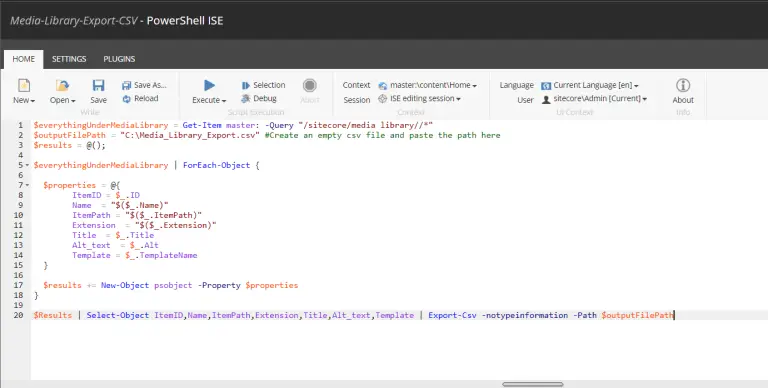
Check out my PowerShell script blogs –
https://madhuanbalagan.com/bulk-update-fields-using-spe
https://madhuanbalagan.com/migrate-sitecore-media-library-assets-to-dam
SiteCron
The SiteCron Module (a huge thanks to Akshay Sura) is a valuable tool for managing and scheduling tasks within Sitecore.
It provides a flexible way to automate and run various Sitecore jobs, such as publishing, indexing, or custom tasks, on a scheduled basis.
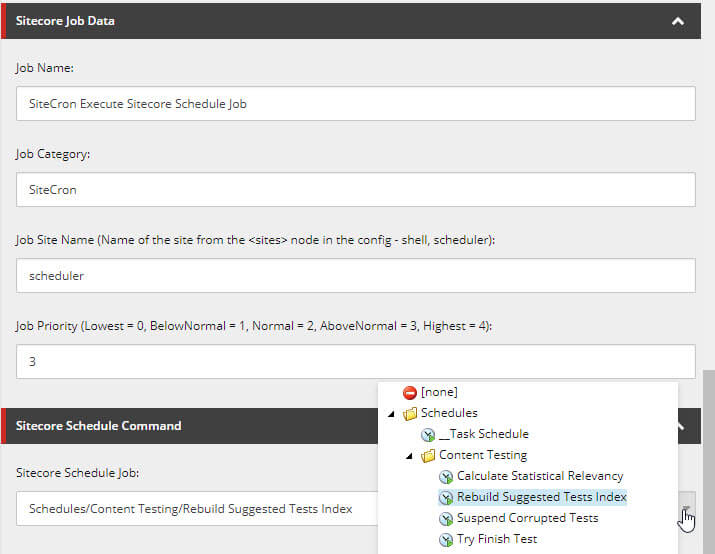
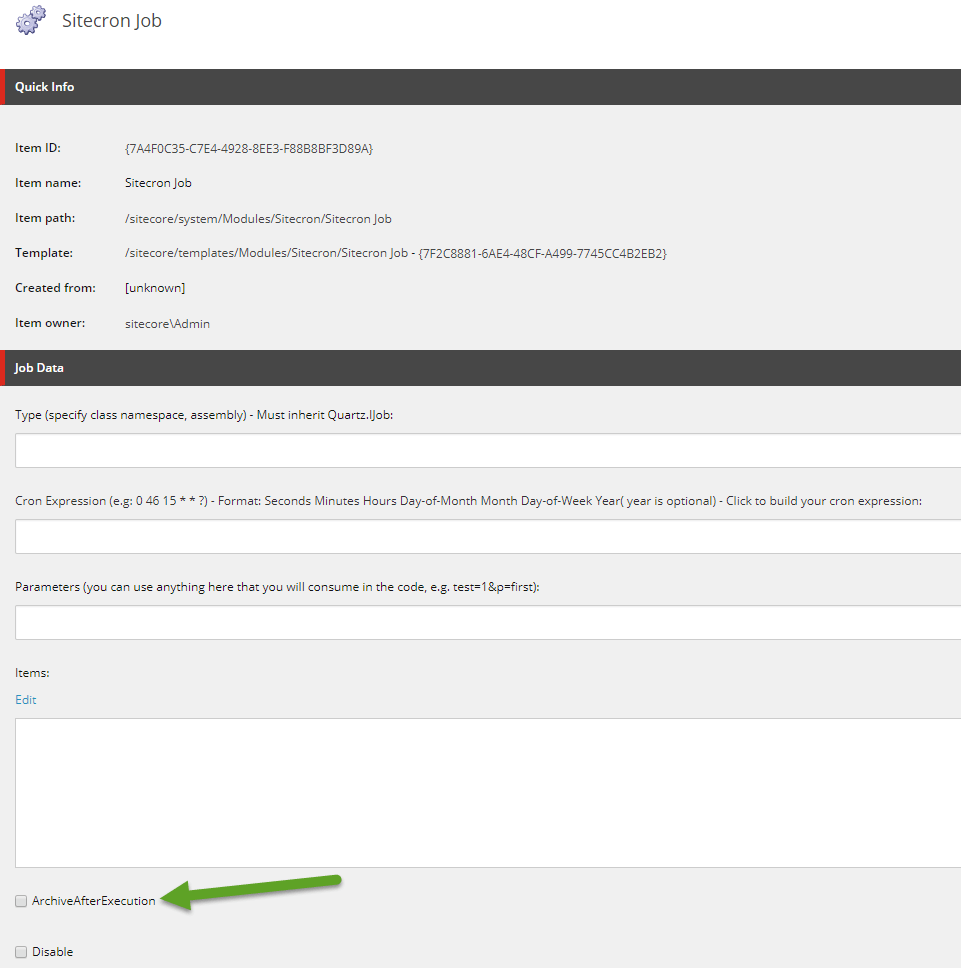
Check out the installation and recent blogs –
https://akshaysura.com/2017/09/07/sitecore-scheduling-with-sitecron-2-1-6/
Azure Tools
Downloading Sitecore Logs from Azure Web Apps wasn’t easy. To troubleshoot any issues, I used to spend decent time trying to find recent logs.
AzureTools (Thank you Sitecore Community – You are simply awesome!) comes to the rescue. It’s a simple .aspx page that can be dropped into CM environments and download logs in just seconds.
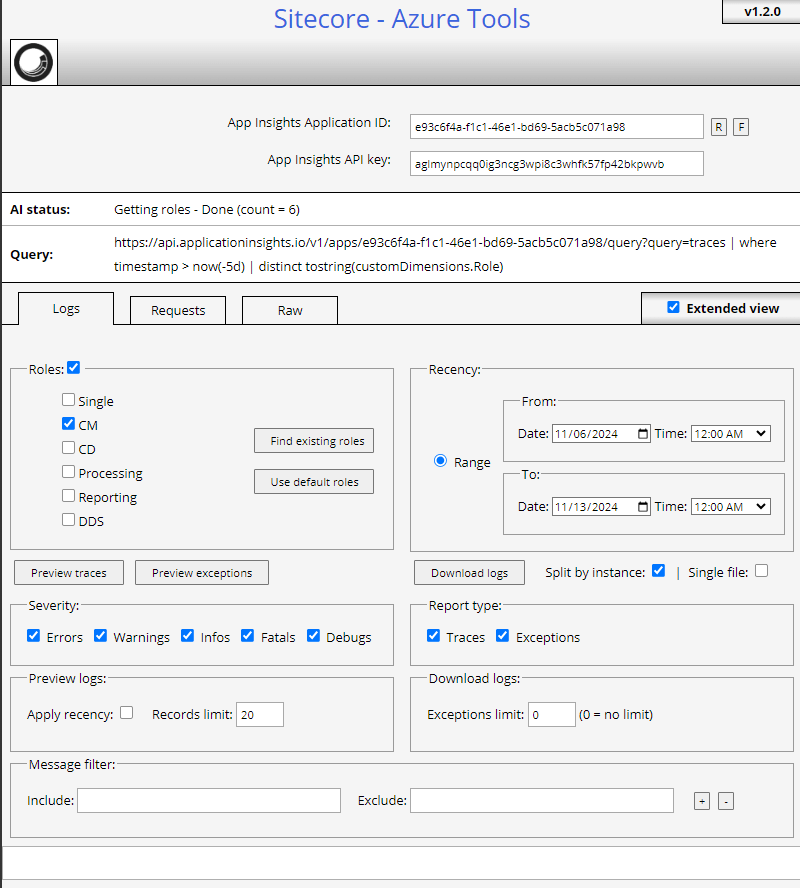
Check out my detailed blog – https://madhuanbalagan.com/instantly-download-sitecore-logs-from-azure-web-apps
Sidekick
To pull content locally, we relied on packaging content from upper environments or restoring the database – which was quite time-consuming.
The Sitecore Sidekick module (a big thanks to Jeff Darchuk) was a lifesaver for quickly pulling content into local or lower environments.
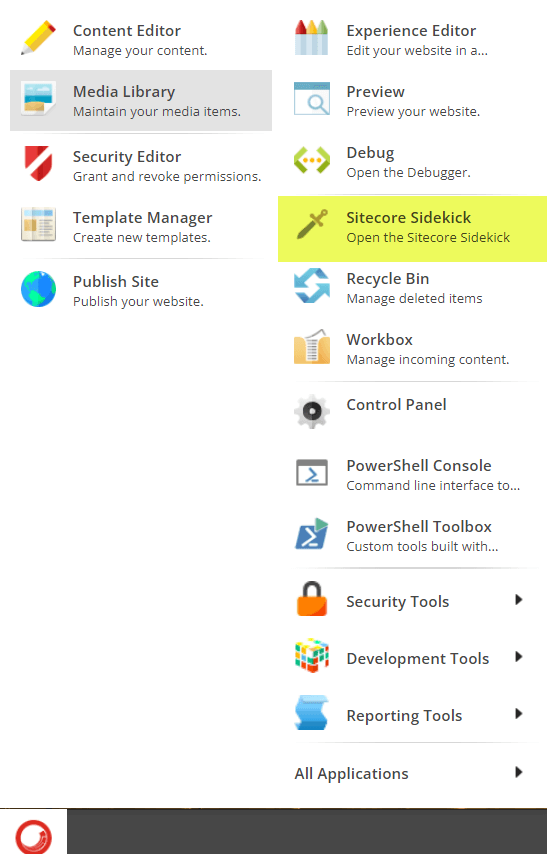
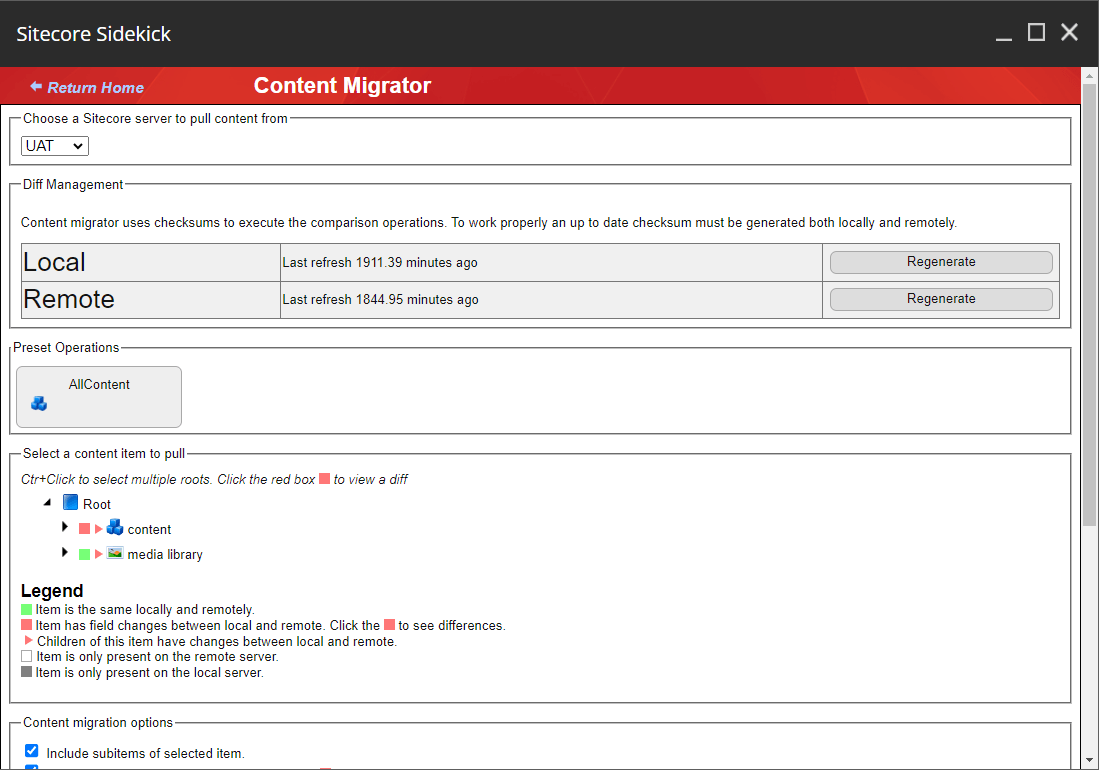
Take a look at my in-depth blog on installation and setup – https://madhuanbalagan.com/sitecore-sidekick-installation-and-setup
Content Export Tool
The Sitecore Content Export Tool (many thanks to Erica Stockwell-Alpert) is a powerful utility designed to streamline the process of exporting content from your Sitecore instance.
It enables developers, content authors, and administrators to easily extract content in bulk, simplifying tasks like data migration, content backups, or sharing content across environments.

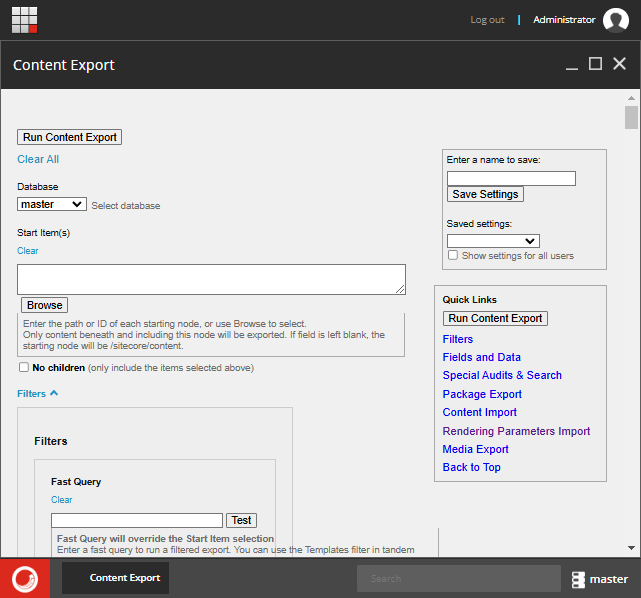
Explore the usage guide and documentation –https://ericastockwellalpert.wordpress.com/2017/08/24/content-export-tool-for-sitecore/
Sitecore Log Analyzer
The Sitecore Log Analyzer (SCLA) (Sitecore Community Rocks!) is a powerful tool designed to help Sitecore developers analyze and interpret log files with ease.
It simplifies the process of identifying issues, tracking errors, and monitoring system performance by providing a user-friendly interface to view and filter Sitecore logs.

This ClickOnce installer sets up the application and enables automatic updates. After installation, the app can be launched from the Start menu or pinned to the taskbar for easy access.
https://support.sitecore.com/kb?id=kb_article_view&sysparm_article=KB0870095
Hope this helps.
Happy Sitecoring!


