Tagged: Apache Tika

Coveo Computed Field for Extracting PDFs with Apache Tika in Sitecore

I needed to index the PDF file content in the Media Library, but when I tried to index it, the PDFSharp library couldn’t extract it.

Sitecore recommends using the following libraries: IFilter, Apache Tika, or SolrCell for indexing the media content.

I had a detailed blog on installing and integrating Apache Tika into the project.

https://madhuanbalagan.com/sitecore-apache-tika-integration-for-secure-media-file-indexing

Now that Tika is integrated, let’s get started on creating a computed field to extract PDF content using the Apache Tika service.

Media Extraction:

  • I created MediaExtraction class, which inherits BaseComputedField.
  • The GetComputedField method calls the ApacheTika service and extracts the text asynchronously.
  • Returns the text document.


Apache Tika Service:

  • The Tika Service class implements the IContentExtractionService interface
  • The main method ReadJsonObject sends the document to the Tika server and extracts the text content parsed JSON response.


Tika ConnectionString:

Please make sure that Tika is up and running.

<add name=”tika” connectionString=”http://localhost:9998″ />

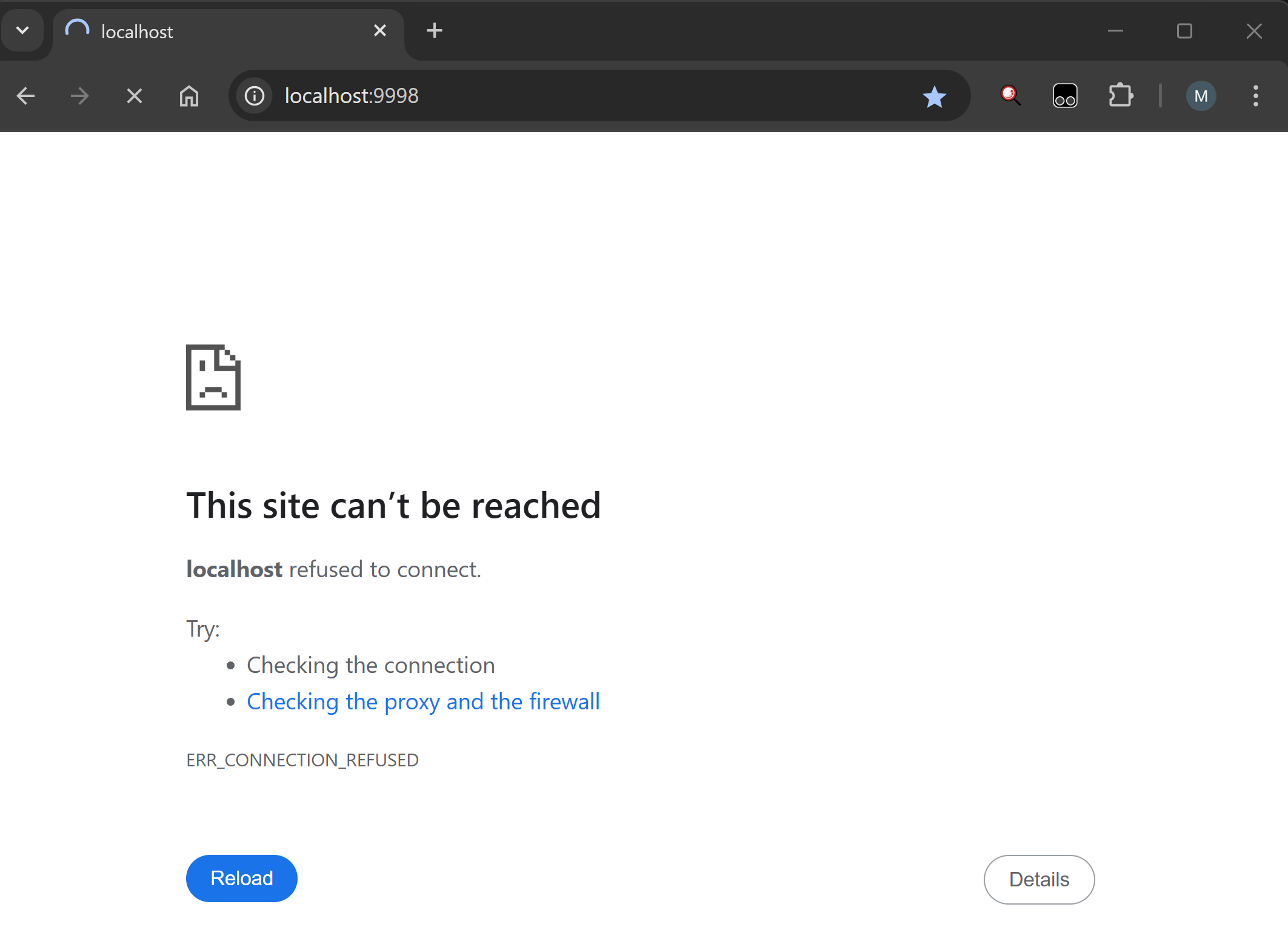
When I checked, it wasn’t running for some reason.
 

Run the following Powershell script to restart the Tika.

cd c:\tika

java -jar tika-server-1.22.jar -s
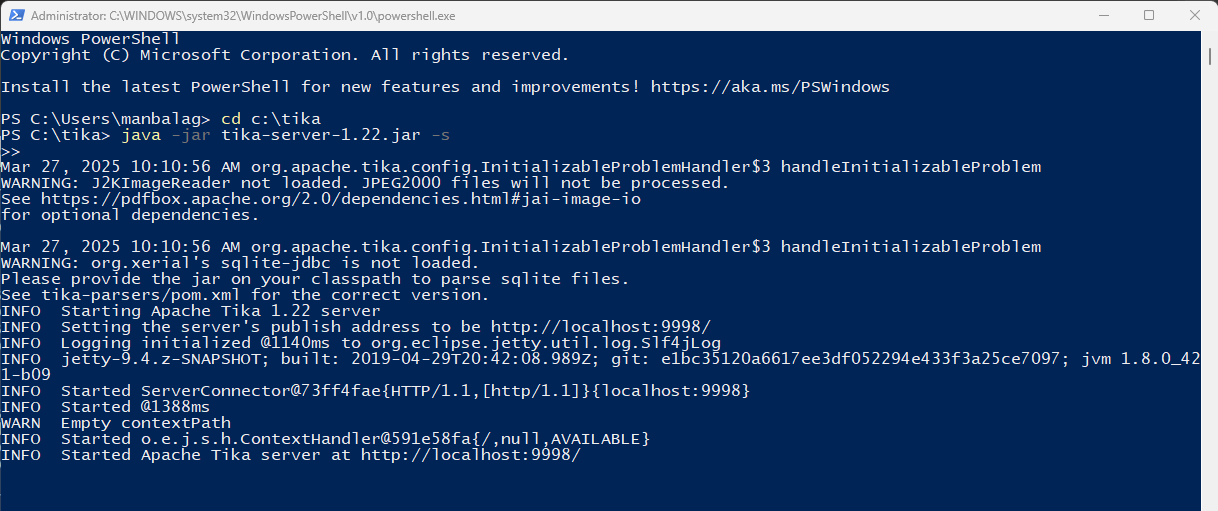
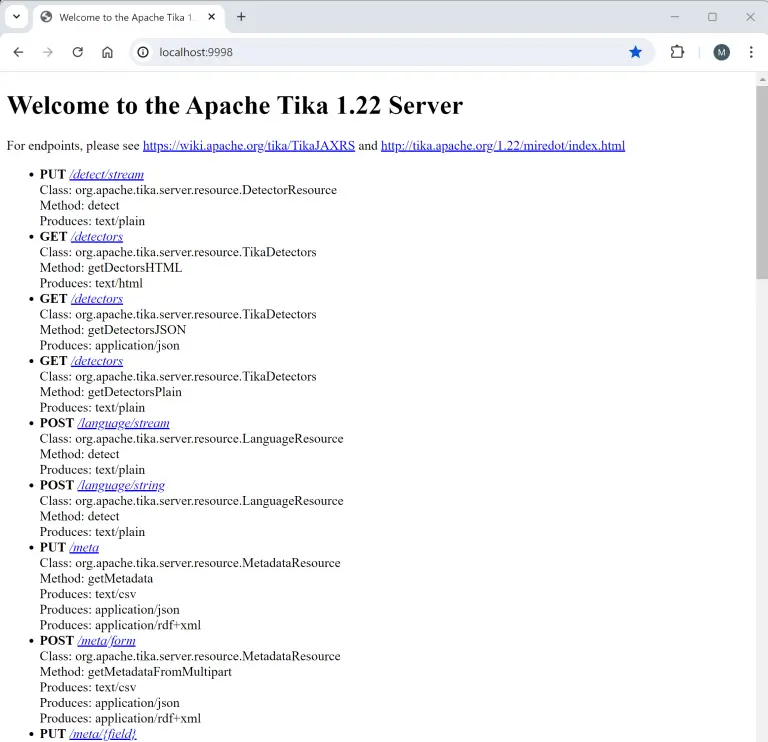
Let’s check – Tika is now up and running.
 

Configuration:

Let’s add the MediaExtraction computed field into the config file.

I published all the files and it’s time to check.

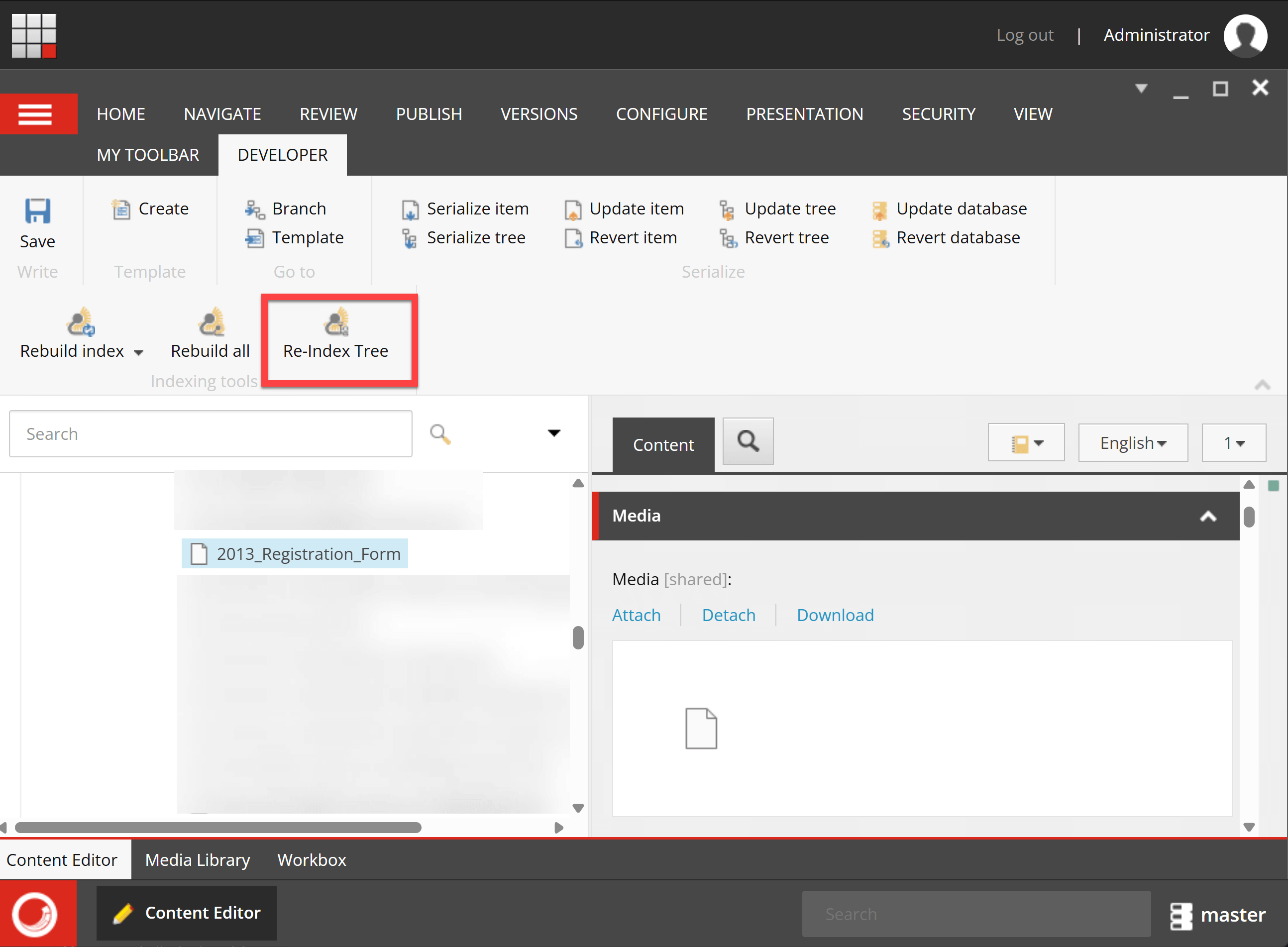
I selected the PDF document in the Media Library and hit Rebuild Tree (I set the indexing strategy as SyncMaster. If you have intervalAsyncMaster or onPublishEndSyncSingleInstance, publish the item to see the record in Index.)


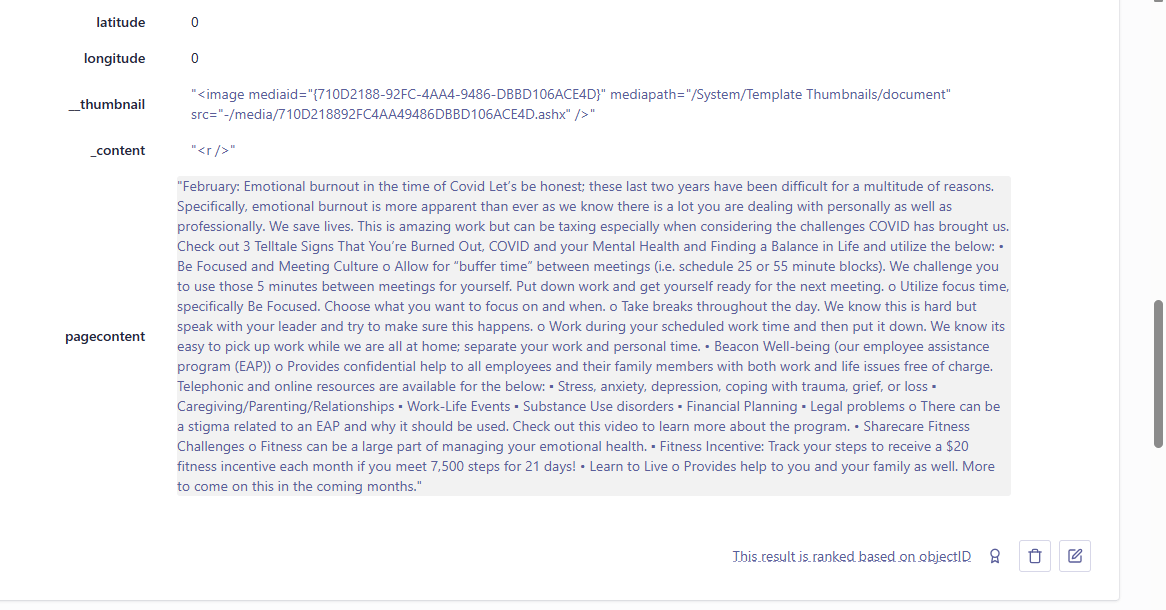
Let’s check the Coveo index – Yay! Its PDF content was extracted successfully.
Sitecore-Media-Computed-Field


The same computed field would work for Word and PowerPoint documents as well.

Hope this helps.

Happy Sitecoring!

0

Sitecore: Apache Tika Integration for Secure Media File Indexing

Sitecore-Apache-Tika-Integration-Secure-Media

Problem

We have some secure PDFs in Media Library that were not getting indexed in Solr – They couldn’t be extracted using the PDFSharp library.

The logs were showing the error while extracting secure files

16804 12:04:53 ERROR DefaultMediaItemTextExtractor: Cannot extract content from media item with id ‘{442006A5-8CB6-4ABE-8855-786D2A870201}’.
Exception: PdfSharp.Pdf.IO.PdfReaderException
Message: The PDF document is protected with an encryption not supported by PDFsharp.
Source: PdfSharp
at PdfSharp.Pdf.Security.PdfStandardSecurityHandler.ValidatePassword(String inputPassword)
at PdfSharp.Pdf.IO.PdfReader.Open(Stream stream, String password, PdfDocumentOpenMode openmode, PdfPasswordProvider passwordProvider)
at PdfSharp.Pdf.IO.PdfReader.Open(String path, String password, PdfDocumentOpenMode openmode, PdfPasswordProvider provider)
at Sitecore.ContentSearch.ContentExtraction.Readers.PdfSharpReader.ReadAll(String filePath)
at Sitecore.ContentSearch.ContentExtraction.Common.DefaultMediaItemTextExtractor.ExtractTextFromMedia(MediaItem mediaItem)

38536 12:04:53 ERROR DefaultMediaItemTextExtractor: Cannot extract content from media item with id ‘{442006A5-8CB6-4ABE-8855-786D2A870201}’.
Exception: PdfSharp.Pdf.IO.PdfReaderException
Message: The PDF document is protected with an encryption not supported by PDFsharp.
Source: PdfSharp
at PdfSharp.Pdf.Security.PdfStandardSecurityHandler.ValidatePassword(String inputPassword)
at PdfSharp.Pdf.IO.PdfReader.Open(Stream stream, String password, PdfDocumentOpenMode openmode, PdfPasswordProvider passwordProvider)
at PdfSharp.Pdf.IO.PdfReader.Open(String path, String password, PdfDocumentOpenMode openmode, PdfPasswordProvider provider)
at Sitecore.ContentSearch.ContentExtraction.Readers.PdfSharpReader.ReadAll(String filePath)
at Sitecore.ContentSearch.ContentExtraction.Common.DefaultMediaItemTextExtractor.ExtractTextFromMedia(MediaItem mediaItem)


Solution

  • If you like to index the media content, Sitecore recommends using the following libraries IFilter, Apache Tika, or SolrCell. 

https://www.searchstax.com/docs.hc/can-we-use-apache-tika

  • Azure web apps have a limitation in using the IFilter library so I ended up using Apache Tika.

Steps to Integrate:

  • Download the Apache Tika server file –tika-server-1.22.jar.
    • Sitecore recommends Apache Tika version 1.22 refer to the compatibility table for your version
  • Save the server file in a folder on SOLR server e.g: c:\tika
  • In PowerShell navigate to the path and execute the following command to install.

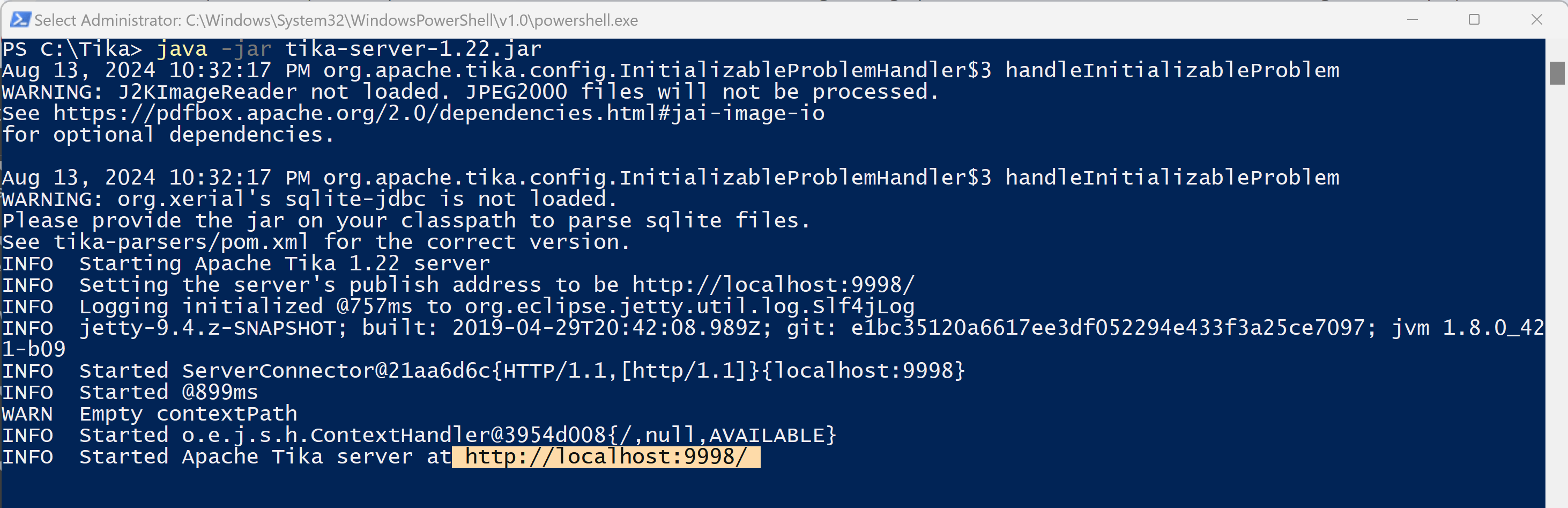
java -jar tika-server-1.22.jar

Sitecore-Apache-Tika-Solr-Indexing.png

Note: The default hostname is localhost and the port is 9998.

If you would like a specific hostname and port number that could be included in the installation command as parameters

 java -jar tika-server-1.22.jar –host=<Tikahostname> –port=<portnumber>

After the installation is completed open the following URL http://localhost:9998 to see if it is working as expected. You should see the welcome message!

Sitecore-Apache-Tika-Solr-Indexing-2.png

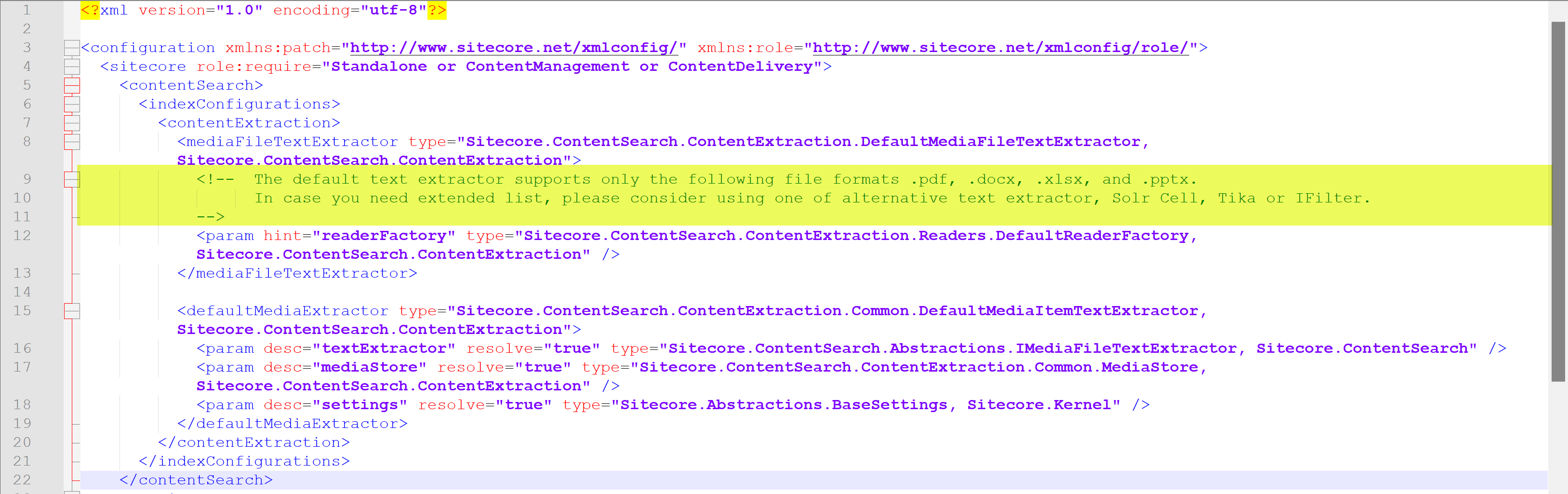
  • Add the following patch file into App_Config/Include/zzz folder to replace DefaultMediaFileTextExtractor from Sitecore.ContentSearch.ContentExtration.


  • Last step – Let’s add Tika URL into ConnectionStrings.config file.

<add name=”tika” connectionString=”http://localhost:9998″ />

  • Let’s test quickly – Rebuild a Tree in the Developer Ribbon for one item or you could Rebuild the entire index.
  • Once the indexing is completed check and see if we have the media item available in the index.

Quick Tip: To search for a particular item in Solr, use the following query in the parameter q on your index page

_uniqueid:*[item id in lowercase without braces]*

 Sitecore-Apache-Tika-Solr-Indexing-3.png

Hope this helps.

Happy Sitecoring!

2